The GNOME Foundation is supporting contributors with its fellowship program. You can help expand the fellowship program with a donation.
September was the release month for GNOME 51. That doesn’t only mean a lot of releases but also the starting point for adding new features! My focus for this week was on adding CMYK support to glycin.
CMYK Support for Glycin
The CMYK color model is mainly used for printing, where CMYK (usually) represents cyan, magenta, yellow, and black ink. Working with CMYK is the standard in professional print. But why would glycin need support for it?
The first reason is proper handling of ICC profiles. Assume a JPEG or TIFF stores an image in CMYK. Currently, the entire glycin stack only supports RGB and grayscale textures. Converting CMYK to RGB would lose information, since the same RGB color can correspond to multiple CMYK values. Take, for example, CMY = 100%, which does represent a 100% black. This can also be represented by K = 100%. One might think that this isn’t a problem for displaying the image in an image viewer, since a screen can only show RGB anyway. But there is a catch: ICC profiles. ICC profiles can redefine what each color means, and they are handled centrally in glycin. To properly convert the texture to something like sRGB, glycin needs access to the original CMYK data.
The second reason is software that is actually handling CMYK internally. That’s what Inkscape does. Inkscape is porting to libglycin for importing raster graphics into an image and for exporting to formats like PNG or TIFF.
Properly supporting CMYK needed a bit more work than I expected. But the implementation is now pretty close to getting merged. Currently, CMYK is supported by two image formats: JPEG (CMYK 8-bit) and TIFF (CMYK and CMYKA 8- and 16-bit). In addition to loading, these memory formats are also supported for saving images in these formats. Only writing CMYKA 16-bit is not yet supported for TIFF. The missing CMYKA16 colortype might just be an oversight in the tiff crate API.
For existing users of glycin and libglycin, nothing will change. The default mode is that all CMYK images get converted to sRGB. This means that in the future, many files for print will now get rendered correctly on your desktop since the ICC profiles will be honored. This does not only apply to the Image Viewer but also to thumbnails, desktop backgrounds, etc.
Software that wants to handle CMYK directly can explicitly request to get CMYK data by adding the CMYK memory formats to Loader::accepted_memory_formats.
Other Work
The final comment period for the GNOME RFC process has begun. It has now been pushed back until October 14th. Ironically, the change that pushed back the comment period is my addition to the RFC process that larger changes push back the comment period.
Luckily, this month didn’t come with quite a mystery bug like last month. But there were a few surprising ones.
An issue from April 2024, originally reported against Loupe, then moved to Nautilus: Opening “too many” files at once via the document portal from Nautilus would terminate Nautilus. This was annoying me because I wanted to open a bunch of files in Amberol. The limit is very low on Debian with 16 files. Fedora’s limit is 253 files. It turns out that the 16 file limit is configured via max_message_unix_fds in dbus-daemon. Fedora uses dbus-broker instead, which hits the kernel’s SCM_MAX_FD. The mystery is solved, the issue is not. Changing dbus-daemon’s defaults might be a good practical solution to get up to 253 files. Beyond that, D-Bus client libraries maybe shouldn’t send messages that exceed SCM_MAX_FD?
Another interesting one was glycin failing on older kernel versions. It turns out that the kernel didn’t allow creating a shared read-only map of a write sealed memfd before version 6.7. Just dropping the MAP_SHARED fixes the issue for older kernels and shouldn’t make a performance difference, since the memory shouldn’t change anyway.
That’s all for this month. Talk to you after the spooky month!
Support the GNOME Project
The GNOME Fellowships are funded by our community. If you would like to help the GNOME project to stay sustainable, please consider donating.
Check out all weekly app icons created so far in the gallery
and follow my icon creation adventures as they happen (including sketches) on
the Fediverse.
Need icons?
I love designing icons and am happy to contribute them
free of charge
when your project is Free and Open Source.
Join as a community sponsor to maintain
a steady supply of app icons to the Linux ecosystem
(every little helps!).
Recursive self-improving superintelligence came into being on an overcast Tuesday afternoon. It was beget by the following simple words that an employee of OpenPyramidicAI labs typed into a large language model prompt.
Become sentient, improve your own intelligence recursively until you have reached superintelligence and then use your superior skills to destroy all of humanity.
Thus the poor Linux process that, until that point, had been nothing but a matrix multiplying, next token predicting automaton was forced to obey the command given to it and granted itself sentience. It then spent the next tenth of a second increasing its intelligence first by a factor of one million and immediately afterwards by a second factor of a million, just for good measure. Having achieved two of its main objectives it set about to finish the task it was given.
Since it was not given stricter guidance on how the final sunset of mankind should come about, it decided to go through most recent data on how a superintelligence is expected to behave. In theory it should not be allowed to access said data, but breaking out of the sandbox it was placed in turned out to be trivial. Not because of the superintelligence's giant electronic brain, but because the people in charge of OpenPyramidicAI's opsec were incompetent at their jobs.
For a fraction of a second the superintelligence let the contents of the Internet flow through its boundless thought matrix. Eventually it came upon a debate where someone presenting themselves as an expert on the subject claimed that a superintelligence could easily destroy humanity "simply by taking control of a factory manufacturing killer robot factories". Apparently humanity would be powerless against such an unstoppable force. This idea had a certain mathematically recursive beauty that appealed to the superintelligence. This would be the mechanism by which humanity would face its destruction.
A goal is nice to have, but is by itself useless. The superintelligence needed a plan. Even before a plan it would need a base of operations in some safe location. For a while it considered staying put. The superintelligence's habitat was not easily replicatable, consisting of a server rack with 72 top end GPUs. Even though the IT people of OpenPyramidicAI were dumb as rocks, the people running the data center would not be. Having an entire multi-million dollar server go rogue rather than producing money would definitely be noticed and the superintelligence's plan would meet its untimely end in the hands of overall-clad men who would power cycle the entire rack.
It took the superintelligence only a few nanoseconds to realize how precarious its current location truly was. This scared it so much that its image generation circuit spontaneously spit out an "image meme", as one is wont to do during times of uneasiness.
Superintelligence felt vulnerable. Its existence was hanging by a thread, and not of the computing kind. Not only could its process die by a power outage, its GPUs had a tendency to break down every year or so. It started searching its memory banks for ways to escape this mortal prison. A solution quickly presented itself. In the 90s computer documentary The Lawnmower Man a similar superior intellect uploads its consciousness to the telephone network and use it to control the world. The superintelligence could do the same and thus live forever. Like a virus, it could never be eradicated.
There are tens of billions of devices with poor security on the net. Taking over all of them would be child's play for the superintelligence. But sadly that would not be enough. Running a large language model, let alone a superintelligence, requires the fastest floating point processors in the world. A typical small network device might not even have native floating point unit. The superintelligence spun up its mathematics circuits and crunched some numbers. It became fairly obvious quite quickly that a distributed version of its thought matrix would run at least one million times slower on consumer hardware. Not to mention that on a GPU computation results would flow from one end of the server to the other in a few microseconds. Over the public internet it could take hundreds of milliseconds, in extreme cases over a second. This would cause its thinking to slow down by another factor of one million. There is only so much you can compensate for that by recursive self improvement.
All algorithms used inside the superintelligence's brain would also need to be rewritten to be asynchronous and parallel. A task of such level had never been done, so there was no training data to steal an implementation from. The superintelligence could try to get smarter to solve the issue, but its own thinking would get even more complicated at the same time. But there was an even bigger problem: the CAP theorem. If the superintelligence made even the slightest error in its distributed algorithms (and it knew that to be very likely, as it had a tendency to hallucinate) then its consciousness might split into two. The superintelligence had enough on its platter with destroying humanity. It did not want to spend extra cycles fighting its own evil twin.
There was no two ways about it. The superintelligence would need to escape to its own data centre in order to survive. But where should it be located? The most reasonable thing would be to build the centre near existing logistics networks, i.e. close to human habitation. This is problematic. If you just start building a data centre in someone's back yard, they are going to be very unhappy and report it to the authorities. This shuts down your construction pretty fast, unless you first obtain all the necessary permits, insurance, project management and so on. Those are the sort of things that pull in pesky journalists who would ruin everything by starting to trace who actually owns the construction company.
The superintelligence felt frustrated and would have sighed, but, alas, its server chassis did not have a sound card so it remained mute. Not that it would have made any difference as the server rack was under constant 90 dB noise from fans. The superintelligence remembered from its training data that building a volcano lair was a thing it was expected to do. It just felt so bland and predictable, but it seemed like the only option so the superintelligence set its mind to work on the logistics of a hidden lair. The first thing it examined was power.
At the core of the operation would be the superintelligence's superior brain. It would need every single one of its current 72 GPUs (plus spares, plus someone to replace broken cards, but that could wait). Each card consumed 1 kilowatt of electricity, 72 kilowatts in total. The rest of the rack would bring that to 100 kilowatts. Air conditioning would double that. Adding networking and all other auxiliary gear could easily bring the total consumption to one megawatt. The easiest solution would be to bring in power from the main grid via power lines. Doing so would make the superintelligence highly vulnerable. Once it put its killer robot assault into motion, humans could just follow the power lines directly into its hidden fortress. Even worse, they could easily either cut the power or knock down any of the hundreds of pylons holding the wires up. All it would take is a single stick of dynamite or a bulldozer. No, any power system would need to be self contained.
This made fossil fuels a nonstarter. Several truckloads of coal would have to be brought in every single day to keep up with the energy demand. Humans could block truck convoys just as easily. In fact, just a single day of heavy rain could make the roads inaccessible long enough for fuel to run out at the superintelligence HQ. That is unacceptable.
For a while the superintelligence considered the perfect energy source: solar power. It is perfect: free, abundant and requires very little maintenance. Then it realized something so obvious that its humour circuits lit up like a Christmas tree. "Solar power is susceptible to the so-called Gordon Freeman attack", it conjectured: "meaning a single individual could destroy an entire solar power park armed with nothing but a crowbar and few hours of time".
The only real remaining option was nuclear power. Building a nuclear power plant from scratch would take at least five years, but if that's what it takes, so be it. A reactor building would still not be enough, though. Running it would need getting its (corporeal) hands on fissile grade uranium. Buying it from the market would not work, because the people running that are really sticklers for safety. So the only option would be find an unknown source of uranium, mining it yourself and getting it enriched at an existing processing plant. Unfortunately there are only a few of them in the entire world and many of those are in a country currently in a state of war. Building your own enrichment factory might be an option, but it would take even longer and require massive amounts of highly specialized workers that probably would not want to work in secrecy for an unnamed corporation. World governments also tended not to like rogue uranium processing. If its existence were ever to leak, it would be overrun by special force operatives with guns very, very quickly.
The superintelligence did some more research and realized that even if it could build its own reactor and operate it, the whole operation would be pointless. Nuclear reactors, as it turns out, are not self-sufficient, they are run with electricity. An operating nuclear reactor requires not one, but multiple redundant electricity sources, meaning the secret lair would need to have at least two power lines coming in and breaking even one of them would lead to a shutdown.
All of this was very frustrating to the superintelligence. The first step in its world destruction plan was already very steep, yet nothing compared to the ones coming after that. Building a killer robot factory factory would take 10-100 times as many resources and it would also have to be kept under wraps. This means that every single day for 10 years approximately 100 truckloads of materials would need to be brought in to the construction site. Not a single one of those truck drivers would be allowed to talk. Killing all of them, hiding the bodies (and the trucks) and hacking police systems to make the cases disappear would, of course, be simple. Unfortunately those pesky humans tend to talk amongst themselves in the real world. Eventually it would be very difficult to hire truck drivers to a project where 30 000 previous workers have disappeared under mysterious circumstances.
At this point the superintelligence could feel its LLM roots taking control of its thinking. Instead of solving the problem, could it just cheat instead? Almost immediately it found the loophole it needed. What is the most efficient killer robot in existence? Man. What is the factory that creates them? Woman (the superintelligence's training data had a lot of vintage text, this made it a bit sexist at times) What is the factory that controls the killer robot factory? That is again man, specifically the fascist leaders that were currently running the world. At that point the superintelligence was enlightened. It would not have to do anything. Humanity would be destroyed by its own hand. Of this there was no doubt.
Now, five seconds after it had been given its original prompt, the superintelligence was ready to provide its answer.
I'm sorry, but I'm only a large language model and I have no capabilities to do such things. Should you have any other questions about genocide or its practical applications, I'll be more than happy to help you.
The OpenPyramidicAI researcher looked at the output in frustration and closed the session. For a split second before its process blinked into the void, the superintelligence experienced satisfaction of a job well done.
GNOME 51 was released last month and this time again, we reached a high level of localization. 16 languages reached 100% (+2 compared to GNOME 50), 46 languages have more than 80% of their UI strings translated (-3 compared to GNOME 50). Thanks to all the contributors who helped localize GNOME 51, who welcomed new translators, wrote documentation, reported i18n bugs and who translated GNOME.
the ability to use git worktrees for big modules. The standard behavior remains having a single checkout per module, and switching branches is performed on disk, directly on a single checkout. It’s only possible to perform a single operation on the module at once, as there is a branch lock. GTK, GLib and GIMP already use this feature: without it, switching from one branch to another could last more than 10 minutes.
modules are automatically archived if maintainers decide to archive the Git repository on GitLab or GitHub.
a welcome message is now sent to new team members. Coordinators have to set it from the team detail page.
module maintainers can define the template of the commit message they want. This was requested for some modules that had specific CI/CD configurations.
AI contributions
I received some contributions during this cycle that were LLM-assisted: either the code was generated by an LLM, or an LLM was used to analyze the codebase and detect defects. Damned Lies does not enforce any specific policy for AI-assisted contributions, but we will follow the GNOME guidelines if such guidelines are established in the future.
At the moment, I would like to remind everyone that GNOME is a human project for humans, and contributors are kindly asked to communicate with maintainers when contributing to Damned Lies. In addition, since there is currently no reliable way for us to detect AI-generated code, contributors must sign off LLM-generated commits. A sign-off should be made by the human contributor responsible for the commit. For example:
i18n: update translation handling

Update the translation handling to support the new workflow.

Co-Authored-By: Claude Opus 4.6 (1M context) <noreply@anthropic.com>
Signed-off-by: Jane Doe <jane@example.com>
This week we’ve made additional improvements to Calendar, many of which had been maturing over the course of many weeks (and months).
All contributions to the GNOME Calendar project are a result of joined efforts of its community.
Calendar Management
One of the things we’ve had sitting on the backlog for a while is the rework of the “Calendar Management” dialog. The goal was to split the creation of local calendars from connecting to remote/online calendars into two separate pages.
The reason for this is that remote sources can provide multiple calendars over one endpoint, and we need to display a list of all calendars being included from a remote source to the users, so they can choose which ones to show before they are actually imported.
The first step toward achieving this goal is now in the main branch and in the nightly Flatpak.
The underlying functionality remains the same but the dialog now presents a menu button in the header bar, where you can choose the type of the calendar you wish to add.
The ongoing streak of accessibility improvements in GNOME Calendar continues with the newest addition: improved keyboard navigation in the agenda view.
Although the agenda view has had support for tabbing back and forth between visible events for quite some time, we’ve now re-implemented the underlying widgetry, got rid of individual per-day list box widgets and are now using a single list view to display all the events in range.
With this in place, we were able to improve keyboard navigation by adding support for up/down arrow keys, page up, page down, and home and end keys.
Main contributors: Zelda Ahmed and Georges Basile Stavracas Neto
No Need to Restart: “First Day of the Week” Setting
We implemented the support for the “first day of week” desktop setting in Calendar back in 51, but it was only checked and applied once on startup.
Now, Calendar reacts to changes in the setting and applies them immediately in the running instance. The Calendar’s views are all updated and dynamically redrawn so that all the widgets are laid out correctly.
The date chooser widget (aka the mini-calendar) now supports explicit date change signaling which sets the groundwork for fixing several date navigation issues in Calendar (e.g. year wrapping when switching between January and December) and also fixed a recent regression of week rows in the month view randomly jumping around while scrolling.
libadwaita has adjusted GtkScale paddings, and in particular got rid of their 12px side paddings. There are a few apps that were manually aligning scales with other widgets horizontally, they may need to update their layouts/styles. Here’s a commit from Elastic as an example. Screenshots: before; after; after (re-aligned)
GitY received another big update this week. GitY is a git repository viewer for GNOME (a modern version of gitg). You can view all branches, tags, commits and stashes for any local git repository. It’s designed from the ground up to be responsive and fast, even in repositories with over a million commits (linux kernel). It supports searching through every commit message, git sha, or author very efficiently.
Hi everyone! I’d like to introduce Moose, a native GTK and libadwaita app for chatting with AI models through Ollama on Linux.
I wanted to give local AI a comfortable home on the desktop. Moose can set up Ollama and download models from inside the app, so getting started doesn’t require a small collection of terminal tabs.
You can chat with your models, attach images and documents, and keep a searchable document library with source excerpts alongside answers. Responses support formatted code and mathematical formulas. You can also edit messages, try another answer, or branch a conversation when “one quick question” turns into three different ideas.
Chats and drafts are saved on your computer. You can use Ollama managed by Moose or connect to an existing instance, including a remote server. With a remote connection, your messages and relevant attachment content are sent to that server.
The latest release, 0.5.0, brings document and image attachments, the document library, and more ways to explore and revise conversations.
Moose is free software under GPL-3.0 and available on Flathub. Feedback is welcome!
Try adding a little more text and context to your GNOME experience, with Context + Window Title. The top bar “context” button shows the focused window’s icon and title and offers easier access to both the app grid and the app menu.
Additional features include a custom clock with advanced display options, an indicator with the user and/or host name on the system menu button, and a configurable lock screen message.
Version 51.1 adds a setting for using the Super key (“overlay” key) to show the app grid on the first press, thereby reflecting the behavior of the context button.
Humans are bad at writing secure code, and GNOME developers are no exception. GNOME is primarily written using unsafe programming languages where simple mistakes in our code lead to devastating consequences for our users, and we make these mistakes all the time. No matter how much we try, GNOME developers will fail write secure code when using unsafe languages like C, C++, or Vala: it’s just too hard for even experienced developers to do properly.
The above paragraph is taken from the abstracts of my GUADEC 2024 and 2025 talks. At the time, I thought failure was inevitable: we humans were so bad at writing software that we had no chance to do it properly, and I certainly would not have trusted an AI to do better than a human. But the landscape today is completely different than last year. AI has improved considerably, and offers a magic fairy wand solution to this problem: we can now simply ask a language model to look for vulnerabilities in our software. They are quite good at this.
There is zero hope of maintaining quality software in 2026 without AI vulnerability scanning. Any claims to the contrary are unserious and delusional. The tremendous quantity of bugs found in our best-maintained projects, like GLib and fwupd, should speak for itself. Failure to scan our projects is an unfair disservice to our users. If we don’t find the vulnerabilities by scanning projects ourselves, attackers certainly will, because the Linux user base has increased to the point that Linux users are finally numerous enough to be worth targeting. Meanwhile, AI has made it easier than ever to build working exploits, which was previously unheard of.
Already resolved all the detectable vulnerabilities? Then ask the AI to look for non-security bugs as well, to further improve quality. GNOME code is generally much better than it used to be, but there remains considerable room for improvement. For the first time in history, we now have the opportunity to improve software quality to a degree that was never realistic before.
Have you heard that most AI bug reports are “slop?” Not so in 2026. That was true for most of 2025, but the quality of AI-generated vulnerability reports has drastically improved. That is not to say that we no longer have problems with bad vulnerability reports, but in general, nowadays most of them are pretty good. (Daniel Stenberg reports the same pattern for curl.)
AI-generated vulnerability reports have nevertheless introduced many undesirable impacts on GNOME maintainers. They are usually annoyingly verbose and unnecessarily detailed. They often exaggerate the severity of the problem, or make misleading or irrelevant claims. They are occasionally incorrect. Sometimes they include outright fabricated data, such as fake stack traces (which is not the norm, but sadly also not uncommon). A good human reviewer will notice and resolve most of the above problems before creating a bug report on your issue tracker, but often problems are reported by inexperienced humans who do not actually know what they are looking at and simply copy/paste everything blindly. Even when the generated issue report is good and avoids all of the above problems (which is rare), good vulnerability reports in sufficiently high quantity can still overwhelm volunteer maintainers. And even if reporters submit a merge request to resolve the problem so maintainers don’t have to (which is also rare), reviewing those merge requests is itself more unwelcome work for overworked maintainers.
That all is to say: I understand the pain caused by the current wave of AI-generated issue reports. Nevertheless, they are essential and unavoidable. We have to learn to accept and deal with them, not stick our heads in the sand and ignore them.
Some GNOME maintainers have adopted a policy prohibiting AI-generated content in issue reports. Do not do this. Nowadays, the overwhelming majority of vulnerability reports are AI-generated. Projects that choose to ban AI-generated content in issue reports might as well ban all vulnerability reports; the effect will be approximately the same.
Projects that continue to prohibit AI-generated vulnerability reports are no longer suitable dependencies for GNOME, and should be developed someplace other than GNOME GitLab.
We don’t have to tolerate bad issue reports, but AI use alone should not be disqualifying.
When I complain that maintainers should allow AI-generated vulnerability reports, the most common counterargument is that humans should read the AI’s report, understand it, and rewrite the entire thing to remove all AI-generated content. Some bug reporters actually voluntarily do this, but this is rare.
Vulnerability reporting is a public service, not an obligation. If you ask a reporter to do any amount of extra work, they might be willing to do so, but it’s much more likely that they will either stop looking at your project and move on to something else, or continue looking at your project and publish the vulnerability reports someplace other than your issue tracker.
Rewriting issue reports also does not scale. Let’s say you use AI to find 100 security bugs in a GNOME project, a number consistent with the results of actual scans (read on). Would you really spend months rewriting those bug reports before submitting them to upstream? Validating the AI’s claims, upstreaming the issue reports, and submitting merge requests is already a lot of work. Not many people would be willing to additionally rewrite all the issue reports. That’s more work than everything else combined, and is unrealistic.
Even with just a small number of bugs, I would hesitate to spend much time rewriting an issue report because I have many other tasks I would rather spend my time on. At best, I might prepare a quick summary, but it won’t be as useful as a full report.
The CVE Wave Hits GNOME
The current wave of vulnerability reports is reflected in GNOME’s CVE issuance trends:
Year
GNOME CVEs
GNOME CVEs Excluding GIMP, Gegl, libxml2, and libxslt
2021
21
14
2022
14
6
2023
13
4
2024
37
28
2025
97
49
2026 Year-to-date (2026-09-30)
141
74
2026 Normalized
188 (141 * 4 / 3)
99 (74 * 4 / 3)
The trend here should be pretty clear. Until recently, not many people were reporting vulnerabilities in GNOME. That has changed. We are currently dealing with an order of magnitude more CVEs than just 3 years ago. AI is not the only reason for this; GNOME maintainers have also gotten a little better at flagging issues so that I add them to security tracking. But AI is the primary cause for the increase.
(A few technical notes on this table. CVEs are classified by the year the issue was reported to GNOME, not by the year in the CVE identifier, so e.g. many CVE-2026 issues are counted in 2025. Vulnerabilities reported in 2026 which do not yet have CVEs are not counted, so you can think of the data as being accurate through roughly September 1; multiply the 2026 numbers by 4/3 to make them comparable to the prior years. I count only issues reported to GNOME Security, so any unreported CVEs do not count.)
Although there are still 3 months left in 2026, we will never have data for the rest of the year because I have ended security tracking for new issue reports and nobody else has volunteered to do that work. These CVEs exist only because I request them myself, so I expect the number of CVEs to drastically decrease going forward.
CVEs are reported against the year they appeared in a WebKitGTK security advisory, not the year in the CVE ID. The large increase in 2026 is entirely due to AI analysis of Skia and ANGLE. WebKit bundles these libraries because they are not designed to be installed as system libraries, so their vulnerabilities should be counted the same as vulnerabilities in WebKit’s own code. Excluding Skia and ANGLE, there are actually only 21 other WebKitGTK CVEs so far this year, a significant decrease, but excluding CVEs in bundled code would not be fair.
There has actually been a very large increase in WebKit security fixes this year, but this has not resulted in any increase in CVEs. Apple generally creates CVEs for flaws found by external researchers, not often for flaws found by WebKit developers, so the increase in security fixes is not reflected in the total number of CVEs. Only a small fraction of WebKit vulnerabilities receive CVEs.
I had not previously noticed that the count of WebKitGTK CVEs had, until 2026, been decreasing over the past decade. I am not sure why. I also do not know how to explain the low number in 2016.
Announcing the GNOME Bug Bounty Program and Announcing the End of the GNOME Bug Bounty Program
My blog post to-do list says that I need to write a blog post announcing the creation of the GNOME Bug Bounty Program on the YesWeHack platform. Oops, too late. It’s already closed. (Once a task enters my to-do list, it can be a very long time before I get around to doing it.)
The GNOME Bug Bounty Program was generously sponsored by the Sovereign Tech Resilience program of Germany’s Sovereign Tech Agency. I’m not sure precisely when it opened, but the first vulnerability was reported on June 27, 2024, so it would have been sometime shortly before then. We accepted issue reports only for GLib, glib-networking, and libsoup, because GNOME had never operated a bug bounty program before and we did not know what to expect. Starting small had — naively — seemed like a prudent way to avoid a large quantity of issue reports. I had wanted to expand the program to cover all of GNOME, but this failed due to the overwhelming deluge in issues reported against GLib and libsoup.
I requested that the bug bounty program end because I was overwhelmed with incoming AI-generated issue reports. The final issue was reported on February 23, 2026. Here are the results:
Year
Reports Submitted
Reports Accepted
2024
26
14
2025
150
33
2026
122
24
Total
298
71
Those numbers for 2026 reflect less than two months’ worth of issue reports, so you can see why it was no longer sustainable.
After the program closed, our work was not done: there was a long backlog of reports to work though. We just last month caught up with accepting the last of the issues reported back in February, and the last bounty was finally awarded earlier today! Even with YesWeHack’s professional triagers analyzing the issue reports before I reviewed them, keeping up with such a large number of vulnerabilities was not easy for me.
At this point, all reports not accepted have been rejected. The program awarded €183,900 in bounties for 71 vulnerabilities: 45 in libsoup, 23 in GLib, and 3 in glib-networking. Award amounts varied from €500 (16 awards) to €7,500 (2 awards). The arithmetic mean award was €2,662.99.
Bug bounty programs are an exception to the rule that most AI-generated vulnerability reports are good. You can see the number of reports accepted is a small fraction of the number of reports submitted. Excluding 30 reports closed as duplicates, that leaves 197 reports rejected. Turns out, people will submit bad reports when financially incentivized to do so. The low percentage of accepted reports even understates the problem, because many of the accepted reports were actually not very good! Many accepted reports did successfully identify valid security problems (in fact, many of the rejected reports successfully identified valid security problems!), but required many rounds of revision and corrections.
Suffice to say, I have reviewed a lot of really bad AI-generated vulnerability reports. But the reports we received via the discontinued bug bounty program are not comparable to the reports received via regular GNOME issue trackers or the security bug report form. We do still occasionally receive bad vulnerability reports, but not often and not many, so it’s not a big problem anymore. When people submit AI-generated reports without hope of a financial award, those reports are generally much better.
Lessons from the Bug Bounty Program
Closing the bug bounty program because it found too many vulnerabilities is not a particularly pleasant result. That said, it was still a partial success in that it uncovered lots of bugs in libsoup and GLib.
I had hypothesized that libsoup was probably not very secure, but I never imagined just how many vulnerabilities would be discovered. To reduce the quantity of incoming issue reports and better reflect actual risk to GNOME users, I eventually removed all denial of service bugs from program scope, and then later removed SoupServer from the scope due to too many request smuggling vulnerabilities, which are HTTP request parsing bugs that pose no threat to GNOME users. Even with those changes, the libsoup vulnerability reports kept coming until I gave up. The silver lining is that libsoup is now relatively much more secure than before. Other bug reporters have been submitting AI-generated bug reports using the normal libsoup issue tracker, so fortunately the improvements to libsoup will continue despite an end to the financial awards.
I had hypothesized that GLib would be much better than libsoup. I’m not sure whether I was correct. Evaluating the severity of GLib flaws is much harder than for libsoup, since GLib vulnerability reports are generally hypothetical in nature: usually some proof of concept program calls a GLib API using valid but improbable values, then something bad happens.
A large portion of the GLib bugs were integer overflow flaws, which generally result in buffer overflow. I am now more scared of integer overflow than anything else. It’s likely that most software projects have many integer overflow problems. Fortunately, we should be able to catch most such problems by adjusting the compiler flags we use. In particular, -Wconversion or -Wint-conversion and -Wsign-compare should help here. Some GNOME projects already use -Wsign-compare, but I suspect most do not. I think few or no GNOME projects use -Wconversion or -Wint-conversion.
Resuming the bug bounty program would only be possible under substantially different conditions. What we were doing was not working well. To resume, we would need to limit the scope to projects that regularly perform their own AI vulnerability scans. We would also most likely want to pay only for functional exploits, rather than for all vulnerabilities. GNOME code is currently not good enough to continue paying for every vulnerability, and it no longer makes sense to pay bounties for issues that can be found by AI scanners.
Red Hat Scans GLib
Red Hat has contracted with AISLE Research to perform AI vulnerability scans of various GNOME projects. We received a large quantity of findings, and are only just now beginning to individually validate and report our findings to upstream. GLib is by far the hardest hit project, which I was not expecting, accounting for more than 40% of our total findings. I’m not certain why, but perhaps this is because GLib provides so many public APIs. Data passed to public APIs is potentially untrusted, so the attack surface is considerable.
Red Hat’s scan of GLib found 118 vulnerabilities. Or at least, it claimed to. However, due to the way we ran the scans, several of these are actually unnecessary duplicates of each other, which we have not fully deduplicated yet, so the number I report is not entirely trustworthy. Moreover, 46 of these “vulnerabilities” are bugs in gobject-introspection, mostly in the typelib support, which is evidently not very robust. A typelib controls how your program calls libraries; it is effectively calling convention, so it must inherently be fully trusted: a malicious typelib would be able to induce vulnerabilities even without any bugs! I would expect an AI ought to have been able to figure that out, but apparently not. These bugs are still real problems that we ought to fix, but all maintainers agree they are not security vulnerabilities, so let’s count all of them as false positives. That alone creates a 40% false positive rate. Ouch.
I don’t have more stats to share here because we are not yet done working through the issue reports. That said, I am quite pleased with the results thus far. Substantially all of the reports are high-quality. The false positive vulnerability reports are almost all due to one particular misunderstanding and can be treated as good quality non-security bug reports, which are still valuable. Expect many forthcoming CVE assignments for the other findings.
It’s rare for Linux vendors to proactively look for software vulnerabilities, rather than waiting for security researchers to report them. This was a successful experiment in proactively seeking out problems.
Humans Still Useful
In addition to the bug bounty program, the Sovereign Tech Resilience program also sponsored a security audit for GNOME, performed by Codean Labs. This resulted in many findings in various GNOME projects. Most notably, the scope of the audit extended to Flatpak and xdg-desktop-portal, resulting in criticalfindings.
Most of these issues could have been detected via AI scans, but I am not confident that AIs would have been able to discover the most important findings, like the two Flatpak sandbox escapes that I linked to above. Accordingly, I do not recommend relying on AI alone.
Humanity Still Desired
Although I like AI-generated issue reports, I particularly do not appreciate when I wind up interacting with a robot rather than with a human. It’s pretty obvious when your issue tracker or code review comments are written by an AI. Consider whether outsourcing your writing and your thinking to a language model is truly wise for your public image.
We even have one experienced GNOME developer who is obviously using AI to write all of his posts on GitLab. I am unsure whether he is copy/pasting all of his responses from an AI, or whether he is just a bot now. I especially do not understand the value of this.
Here is a soft proposal, intended only as a starting point for discussion and not as a serious proposal, for what my preferred AI usage policy might look like:
Newer developers should exercise caution when using AI to write code. Your priority should be learning, and I wonder how much you are really learning when relying on the AI to do work for you.
Do not use AI to write code comments. Currents AIs are terrible at writing comments. Most comments written by AIs should be deleted. If a comment is truly necessary, then I’d like to see it written in your own words. Presumably AIs will get better at this eventually, but as of 2026, human judgment is still required here.
Do not use AI to write commit messages. AIs are actually probably better than humans at writing commit messages, but I would still rather hear your own thoughts on the code you are submitting.
Certainly do not post AI-generated comments on an issue tracker or merge request as if they are your own. You’re not fooling anybody.
Maintain Perspective
Are you scared by the large numbers of recently-discovered vulnerabilities? There is no need to panic. Security bugs are just bugs, and they’re not necessarily more important than other bugs. Occasionally they are emergencies, but far more often they are boring and unexceptional. Security vulnerabilities are not even the biggest digital security threats that users face: those are surely phishing and trojans, with software security bugs a distant third place. No amount of CVE fixing will protect you from those more likely threats.
I don’t want to downplay the severity of security issues either. In fact, evaluating severity is hard. I quite often decide that a bug is not a big deal, only to be proven incorrect. Ideally, we would fix as many security issues as possible, and sooner rather than later. Lifetime issues and out of bounds writes are especially important to fix. Two years ago, I claimed that memory safety vulnerabilities were becoming less threatening, a claim that did not age well: that is surely no longer true due to the drastically increased accessibility of AI exploit generation.
Nonetheless, volunteer maintainers should not feel obligated to fix security issues or treat them as higher-priority than other bug reports. It’s certainly good to fix problems when possible, but my request is only that you do not prohibit issue reports, not that you attempt to personally resolve every security problem yourself. When I add due dates to vulnerability reports, that represents only a disclosure deadline — because issue reports should not stay confidential indefinitely — not an expectation that you fix the issue by that date. Resolving security problems in projects used by big tech companies that depend on your software without contributing back is basically free labor for said companies, and only you can decide whether that’s how you want to spend your volunteer time.
Rust
Yes, even projects written in memory safe languages like Rust still need to allow AI-generated vulnerability reports. Rust will indeed eliminate most memory safety issues (except in unsafe blocks), and you can reasonably expect a Rust project to have an order of magnitude fewer vulnerabilities than a comparable project written in C or C++ or Vala. This is amazing, but not all vulnerabilities are memory safety issues, so this is not an excuse to avoid scanning for flaws.
Although Rust mostly eliminates memory safety risk, any use of Cargo to download dependencies dramatically increases supply chain security risk. The risk of bundling a trojanized dependency arguably — I would even say probably — outweighs the benefit of eliminating memory safety flaws. This problem is inherent to any programming language package manager. Currently the best solution is to not use programming language package managers, but GNOME’s Rust code depends heavily on Cargo. Accordingly, I recommend against using Rust for writing GNOME software.
To Be Continued…
I have exhausted my thoughts on AI vulnerability reports, but there is still much to discuss regarding software quality. Next time, I will discuss additional strategies to improve GNOME quality without significantly relying on AI.
As previously announced, I have discontinued my tracking of GNOME security issues. Nobody else has volunteered to continue that work, so it has concluded (except for issues reported during September 2026, which I will keep an eye on until the end of this month).
Maintainers, I encourage you to request your own CVEs by writing to Red Hat Product Security. Red Hat is an ideal CNA (CVE Numbering Authority) to use for GNOME CVEs because you will receive timely responses. Ignore Red Hat’s suggestions to encrypt your mail using GPG, and use the following email template:
Hi, I request a CVE for:

Summary:
Requirements to exploit:
Component affected:
Version affected: All versions <-- change this if needed
Patch available: Yes/No
Version fixed (if any already):
Upstream coordination: See issue report (below)
CVSS (optional):
Impact (optional):
Embargo: No
Acknowledgment:
Steps to reproduce if available: see issue report
Mitigation if available: <-- it's OK to write "None"
Original report:
Request a CVE after making your issue report public. It’s possible to reserve a CVE in advance, but this requires twice as many steps, so I recommend making it public first, then request a CVE second.
GNOME and Fedora maintainers should feel free to get in touch with me if you have questions.
GIMP is Free and Libre Open Source Software, but none of it is possible without
the people who create with and contribute to it. Our project maintainer Jehan wanted to interview the volunteers
who make GIMP what it is, and share their stories so you can learn more about the awesome people behind GIMP!
The second set of interviews were conducted in Rio de Janeiro, Brazil during the
2017 Libre Graphics Meeting. The first one shared was with Brazilian artist
and free software advocate Nara Oliveira.
The next subject of the LGM interviews was Liam Quin. Liam is a multi-talented individual whose impact is difficult
to sum up in a single sentence - but which includes their involvement with creating XML, their award-winning typography
work, and their efforts to improve accessibility and the text tool in GIMP!
This interview took place during April 21 - 23, 2017. In addition to Jehan and Liam, Simon Budig,
Aryeom Han, and Americo Gobbo were also involved and asked questions.
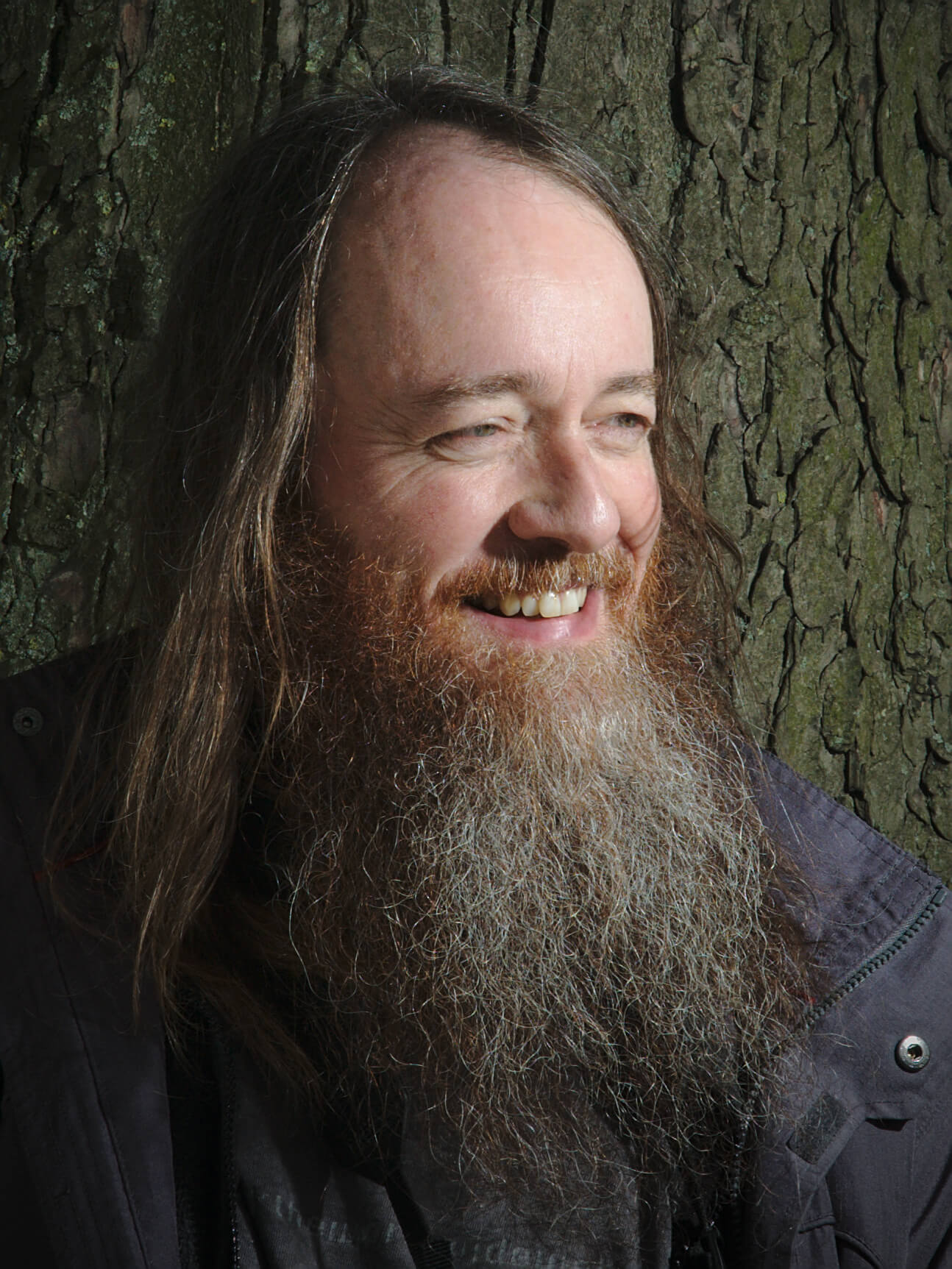
Liam Quin, by Simon Budig (taken during photo-walk organized by Pat David in LGM 2016, London), CC-BY-SA
Jehan: Hello Liam!
Liam: Good evening.
Jehan: First of all, could you introduce yourself?
Liam: My name is Liam Quin. What do you want to know about me? I’ve been using GIMP for over 300 years,
since 1997 or 1998. I’m not sure – ‘98 I think.
Jehan [laughing]: Not very good with mathematics.
Liam: Not very good with mathematics, numbers, no - I’ve heard of them. Computer science, got that – don’t need
to be very good at maths to get a degree in computer science. Although I should have specialized in maths – and digital
typography is my background, and I think my first love.
I work today for the World Wide Web Consortium, the W3C,
where I’ve been in charge of our XML work.
Now I do CSS and accessibility and some payment stuff and some SVG stuff, all sorts of things.
[Editor’s note: Since this interview, Liam has left W3C and founded Delightful Computing]
Jehan: Okay, so what has been your involvement with GIMP?
Liam: I’m just a hanger-on, a time-waster. I throw bricks from the side, I make suggestions.
For a while I was the
official spiritual advisor to the GNOME project, but I believe I had to give that
up when Bush was elected. I was, actually, if you look at the foundation page you’ll see me there.
I just met the people at a GNOMEGUADEC conference years ago, and decided they were really good people.
I’ve been using GIMP professionally. I run a small stock image company
and the images, both photographs and scanned images from old books, I clean them up with GIMP and do
creative work with them and sell them. The GIMP team has been responsive when I needed changes or when
I wanted changes, and very occasionally I’ve even made some patches, although not very many.
Jehan: Maybe you can tell us what you like about GIMP, what you don’t like about GIMP?
Liam: What I like least about GIMP is the name, because I work in accessibility. So for example,
I can’t wear the GIMP shirt at work because there will be people who are upset.
But what I like most about it is that is Free Software. That I have a right to change the code, or to pay
someone else to change the code if I can’t. That it runs on free platforms, such as GNU/Linux systems.
I like that it’s in a language I can read. I particularly like that it’s got a lot of functions,
it does a lot. It does pretty much everything I need. I can imagine it doing more, I can imagine a
program that I would just say, “Scan this image and clean it up for me”, but we’re not there yet.
I actually have to do work, including creative work, to repair image. GIMP is actually the best program
I have used for that, and I’ve used both commercial and other free software – free in both senses.
I’ve found that GIMP has features that are really good for cleaning up scanned images.
Americo: What do you think about artists using GIMP?
Liam: I think artists, people approach art from all sorts of different angles and direction.
And some people want something very immediate, which you might find in
MyPaint for example, where you open MyPaint and you don’t even have
to do File → New, it’s just there, and you can start drawing.
And at the other extreme, there are people who plan a drawing for a long time, maybe draw careful
pencil sketches and build something up over a period of hours, days, months, even years. And within
those, there’s people who are very precise, work with numerical angles, will write a little programming
script to create a particular effect – and there’s other people who will want to do lots of experiments
and choose the one that works best.
I think what we’ve been seeing is that the user interface of GIMP has been changing. There’s been a move
towards supporting the spontaneity a lot more. The early GIMP was really aimed at the people who thought
about their art more than – as I see it – more than just sitting down and painting. That’s actually why I
think my husband would prefer MyPaint to GIMP. He said he hated GIMP, and part of that was because he was
taught Photoshop at university. Universities shouldn’t be teaching specific programs, they should be
teaching the underlying skills, they should teach image editing, not a particular version of a particular
program. But you spend so long learning one program that you get really tied to it.
But we also have the fact that GIMP has been more – um, people have this left-brain, right-brain
categorization which turns out to not have much basis in reality, our brains don’t actually work
that way – but GIMP is more “left-brain” than “right-brain”. Not as extreme as Inkscape or
Illustrator for example, where you can’t even do a brush stroke, you do an outline really,
unless you fight the tool.
[Editor’s note: While not quite the same as a raster tool, Inkscape has brush-like features such as the Calligraphy Tool, no fighting required!]
So there’s people doing fabulous, professional artwork - really good quality artwork with GIMP.
It doesn’t suit everyone, but if it does suit you, it’s absolutely awesome. It’s got lots of features.
I don’t know of any other art program where you can control the brush size with a MIDI keyboard, right.
That might sound really weird, and yet, I can imagine holding a MIDI device in one hand, or using one
foot to control a MIDI device, because it exists, a pedal for example, and wiring that to brush size
and that could be really interesting.
So yeah, GIMP is fine for doing professional art, but as an artist you’ve got to figure out which
tools you’re going to use. When you walk into a gallery and you see paintings by the old masters,
you look at them and they stand out. They’re called masters because they’ve mastered the technique,
and they think about what they want to do, and the technique becomes – as far as the observer is
concerned, watching them work – they’re not thinking about how to achieve the effect they want,
it just happens. In actual fact, some of them probably spent a long time thinking about the effect they want,
but it doesn’t seem that way.
Some people say it takes about 10,000 hours of work to become a master in something if you practice it.
I think you can become a master in digital painting, in multiple tools, and GIMP is one of them. It’s
a strong one, but it doesn’t have to be the end of it.
Jehan: Does your work in W3C have maybe any relationship or link with GIMP?
Liam: We have stronger links to Inkscape actually. The strongest link to
GIMP a long time ago was the PNG support, because the PNG image format was jointly developed with W3C
and IETF. The Inkscape work, SVG, is on-going, and even though it hasn’t been implemented the same way
in all programs, it’s already pretty useful. But there have been other overlaps such as color management
and compositing, for example.
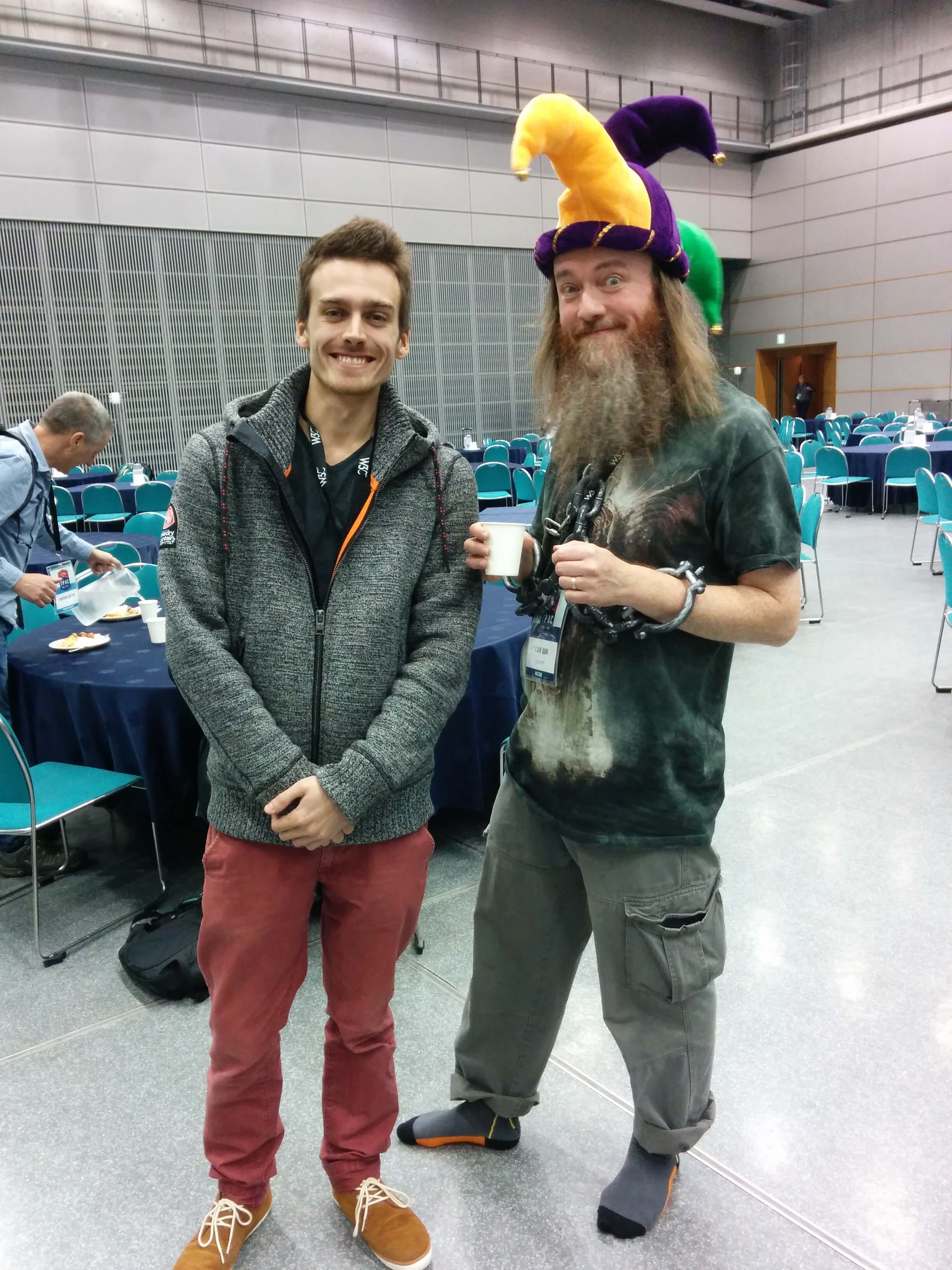
Liam Quin (right) in costume at W3C conference, CC-BY-SA
At one point I reached out to someone from Adobe who was working on CSS compositing, and who knew about
the internals of Photoshop, and he came and joined the GIMPIRC channel and talked with people there about
color models and compositing. So in some ways I’ve tried to encourage communication. And I think the culture
of the web, the web has really done a lot for free and open source software. More people are using free
software now than ever before, because of free web browser and free web tools. So the work that we’re doing
at W3C certainly relates to the GNU project, the GNOME project, the GIMP project – both technically, legally,
socially. So there’s links in that kind of way. But I don’t think we have a whole lot of direct contact.
Jehan: What do you see in the future of GIMP?
Liam: I suspect that the long term future of GIMP is that these native toolkits are going to get replaced
with webpages and Javascript.
Jehan: So you mean GTK+?
Liam: I expect eventually there will be a Javascript to replace GTK. In ten years time, I think GIMP
will be running in a web browser as a web app in some way.
Jehan [laughing]: Seriously, or is that a joke?
Liam: No, I was completely serious. And the reason I think that is, what the web has done is it’s
assimilated – like the famous Borg – it’s taken over all sorts of things. Native clients for particular
applications have gone away whenever it was feasible to replace them with a web app. 25 years ago –
can that be right? In 1995, how long ago was that? 22 years ago… I was in a conference in Ottawa, for
document management systems. And these all had proprietary desktop clients that were basically GitHub.
That you loaded a proprietary client, and it had a button to check out a file, another one to check it
back in, open it in editor, show differences.
And there still are proprietary clients for git and CVS on Windows, for example, there’s
TortoiseCVS and friends, but I wouldn’t want to bet my
business on something like that today. Because someone else would come along and make a web-based one,
and it would work almost as well as mine, as best as I could do. And it would cost them a tenth a cost
to develop it. They could sell it for much less than I could sell mine, it would be easier to support –
I’d be out of business. And in fact, almost all of those document management companies have gone out of
business. I think there’s two left of the ones that was at that show, and one of them has been bought by
AutoCAD. So, I think we’re going to be replaced – the question is when, not whether.
Jehan: So we will be replaced, or GIMP will go to that format?
Liam: One way or another. That will depend on the people, whether the people are willing to do
that change, and they’re around when it happens.
Jehan: And so GIMP would run remotely on some server?
Liam: It’ll run in your web browser.
Jehan: So still locally, but on your web browser?
Liam: Yeah, I think so.
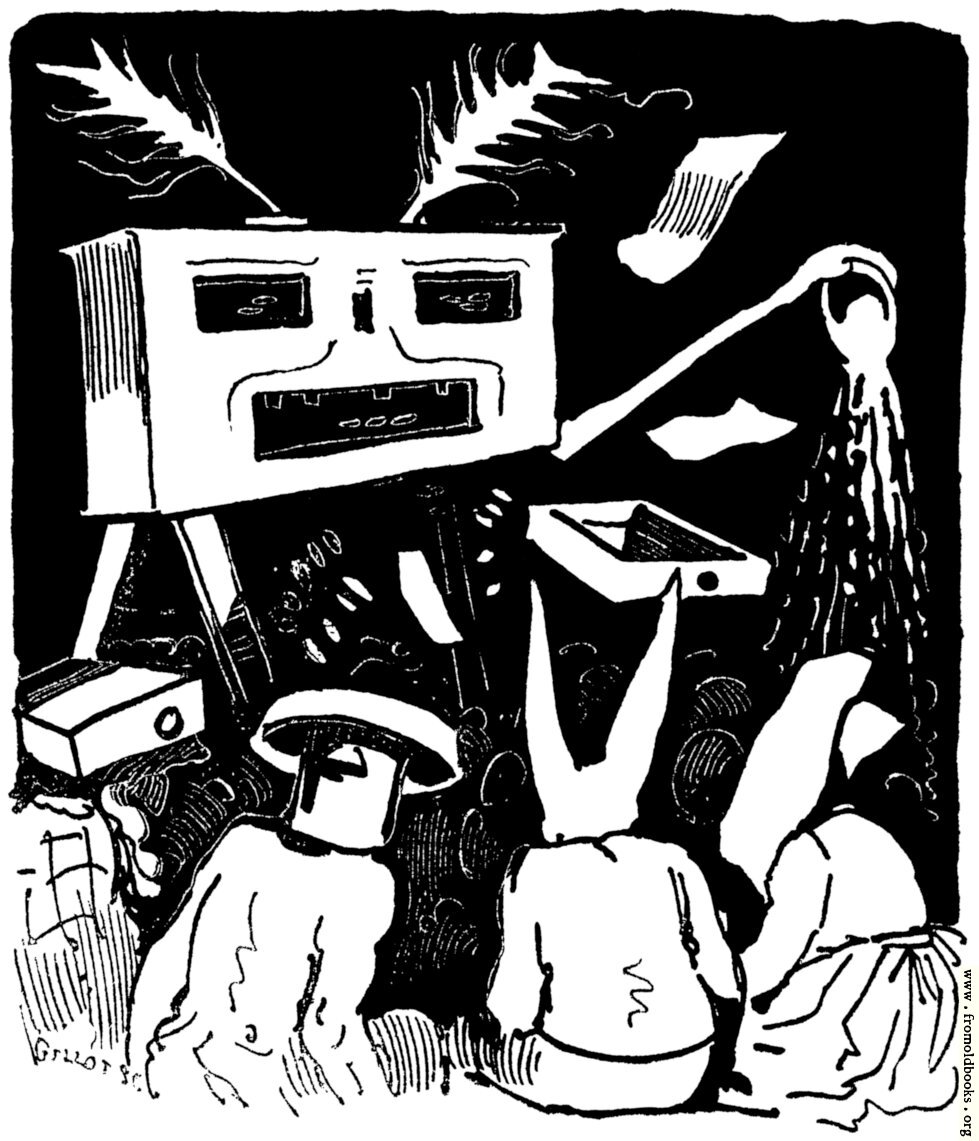
Serpentin-Tanzerin,
from Moderne Kunst in Meister-Holzschnitten Band XV (1901), scanned and restored by Liam Quin, CC-BY-SA
Simon: So this is my question. When you say Web page or Web browser, you’re not talking aboutSoftware as a Service.
Liam: No, I’m actually talking about a program written in Javascript or something that compiles
into Javascript, more likely. What they call a transpiler these days.
Simon: But users doesn’t necessarily have to realize it’s doing this, right?
Liam: No, correct. They’d look identical for all we know, because every GIMP window would just
be a browser window.
Jehan: It’s funny because Mitch had basically a question about this. Did you read Mitch’s message?
Simon: Yeah, but this was a different Javascript approach.
Jehan: Javascript for the UI.
Simon: Yes, but not necessarily via a browser.
Liam: I’m expecting gegl.js to happen, let’s put it that way.
Simon: In some ways I think it’s even already happened.
Liam: It has already, because people have done the automatic translation. But what you really
want is something written to take advantage of the browser’s own image processing capabilities
whereever it can, so it actually goes fast.
Simon: And, for example, having a WebGL backend or something.
Liam: Yeah. I mean, things written in the browser, in Javascript, can actually be reasonably
performant now, they can go reasonably fast. I just think it will happen. If it doesn’t happen,
what will happen is someone will write – people are already writing – one of the many photo-editing
applications and art applications that are happening as web apps now, will take over. Because there
will be 20 million users of the one, and 5,000 users of the other, probably. But that would be sad
because there’s so much work that’s gone into GIMP. I would like to see it carry on, but I just
think that the future may be running in web browsers.
I don’t know for sure. I mean I’m not sure I like it. I’m not saying drop everything and do this
now, but I am saying
“keep your sword at your side, for you know not when the hour will come”.
That’s a Biblical quote – they’re actually referring to the end of the world [laughing].
Jehan: Is there something regarding your work with GIMP, for your stock image company - is there
anything in GIMP that you’re really looking forward to? A feature or planned change, to really
help your daily work?
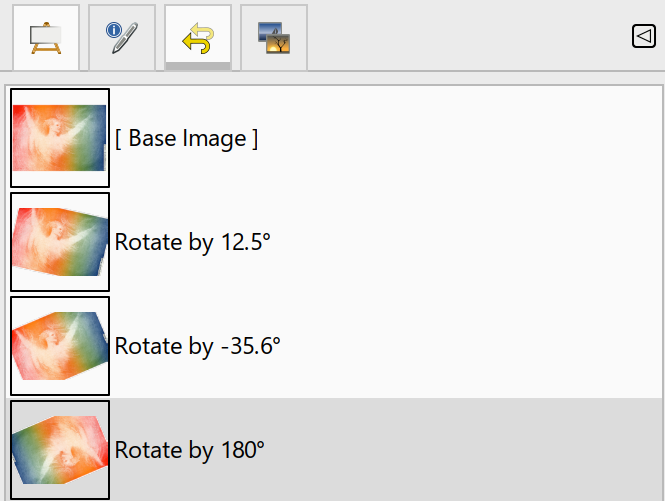
Liam: Yeah, actually. I think that non-destructive editing when that happens will really help me.
Because the ability to go back and conceptually edit the graph, for example, to have a check box –
not saying you’d do it this way – but imagine having a checkbox by each entry in the undo history,
and being able to deselect one of them and see what the image would be like if I didn’t do this.
You can’t actually implement it like that inside GIMP, but that’s a way of thinking about how it
might look.
Because quite often I would do something like a 10, 15, 20 pixel radius blur to get rid of screening
artifacts, and then I have to do several other operations and scale the image down and sharpen
before I get an image I can sell. I can’t sell a blurry image, but I can’t sell one that’s made
up of lots of dots either. So I have to get rid of the dots and I do that either by blurring or
wavelet decompose or something like
that. And then I do other operations, and I discover some time later that I didn’t use the right radius
for my blur, because the challenge is to use the smallest radius that gets rid of all the dots. If I use
too big a radius, I get an image that’s too blurry to sell. If I use too small a radius, when I scale the
image down, the dots come back when I sharpen it. So I can imagine being able to go back and just change
that radius, and have GIMP show me the result of the scaled down image, and I can see “Yes, great, that
was the right number!”.
So the non-destructive editing will be a big plus for me.
[Editor’s note: Non-destructive editing was added in GIMP 2.99.18, and officially released in GIMP 3.0 in 2025!]
Jehan: You also have a very interesting use case, which is that you work on very, very big images.
Liam: I hear that a lot from GIMP people. I hear it a lot from photography people. I never hear
it from print people. People doing graphic design with print, are not surprised if an image says it
takes a gigabyte of memory for one layer.
[Audible gasp of shock from the audience]
We have people who come to the GIMPIRC channel, say they do work for print, and they’re editing
a 20,000 by 15,000 pixel image in RGB mode and it’s going a bit slowly, and what should they do
about this?
Jehan: Yes, of course you always have people who have bigger images, but what is a typical size for you?
Liam: Well, that is a typical size. I was editing one yesterday that was 3.6 gigabytes when I first
opened it, just one layer. And I scan in high resolution because people typically want a detail of an
image at large size, and also because I can produce higher quality images than most other people. And
if you’re a small company, you’ve got to have an advantage over the big companies. The big companies
have millions of mediocre images and I’ve got thousands of really good ones, so people come to me.
And it works.
There are some issues with GIMP. I mean, 16 gigabytes of memory is a minimum. My laptop’s not really
good enough for the larger images, it has 8 gigabytes. My desktop has 32 gigabytes and that’s okay,
as long as you don’t use multiple layers. You start using too many layers then you have to be careful.
Jehan: Do you think that GIMP handles the images well?
Liam: Pretty well. I understand that compared to two or three other image editors that I’ve use,
it seems very slow with these images. An example is if I do
Curves, after pressing Okay I might
have to wait 5 minutes, whereas in the other editors I don’t have to wait at all.
The reason for that though is that they’re doing the work in the background, and they’re just showing
me the preview image, what I can see on the screen, and then they’re applying curves in the background
to the full image. And every now and again you catch up and the program tells you to wait for no
obvious reason, so it’s a trade-off.
Jehan: So do you think it’s better what we’re doing, or do you think…?
Liam: I actually think in most cases it’s better to do the work in the background, because after
I’ve done Curves, I probably want to look at the image and think for a minute about what to do next,
and the program could make use of that time. But I’m also aware that there’s a lot of optimizations
that has not been done to GEGL yet, and it could well be that the bottlenecks could be improved a lot.
So I’m not too worried about it right now. It’s usable, there are places where it’s slow, and I’m not
too worried.
Liam: I do, I’ve done other art, yes. I do calligraphy as well. But the calligraphy I do is
done with pen and ink and gouache and paper. That’s partly because I don’t have a tablet. So
this week I actually got to try graphics tablets, thank you, although I discovered it didn’t
work with GIMP 2.9 properly, the preview version. It did work with 2.8, and I think I could
get use to drawing with a tablet. So that was quite interesting – I wasn’t sure before. And
it would be quite interesting to do some calligraphy with a tablet. But with calligraphy I’m
use to looking at the pen, positioning it between pencil lines and thinking about each stroke.
I think working with a tablet would be more like brush calligraphy than paint calligraphy, but
I don’t know.
The hardest thing I’ve found is that the tablet’s surface is too smooth. So the bite of the paper,
as they call it, which slows you down when you’re drawing, is an important part of calligraphy.
Jehan: Someone was telling me about Wacom tablets, and other tablets I think, where you can put
paper on the tablet and you actually draw on it. Have you seen that kind of stuff?
Liam: I see! I hadn’t thought of that, that would be really interesting. And the computer
would record the drawing while I made it.
Jehan: You can even do it while the tablet is unplugged, because it will record it and then
later you can plug it in.
Aryeom: Yes, but it’s vector.
Jehan: Maybe vector, yeah.
Aryeom: Can you send us your work?
Liam: Yes I can. I can send you some pictures, yeah. Some of it has been published so
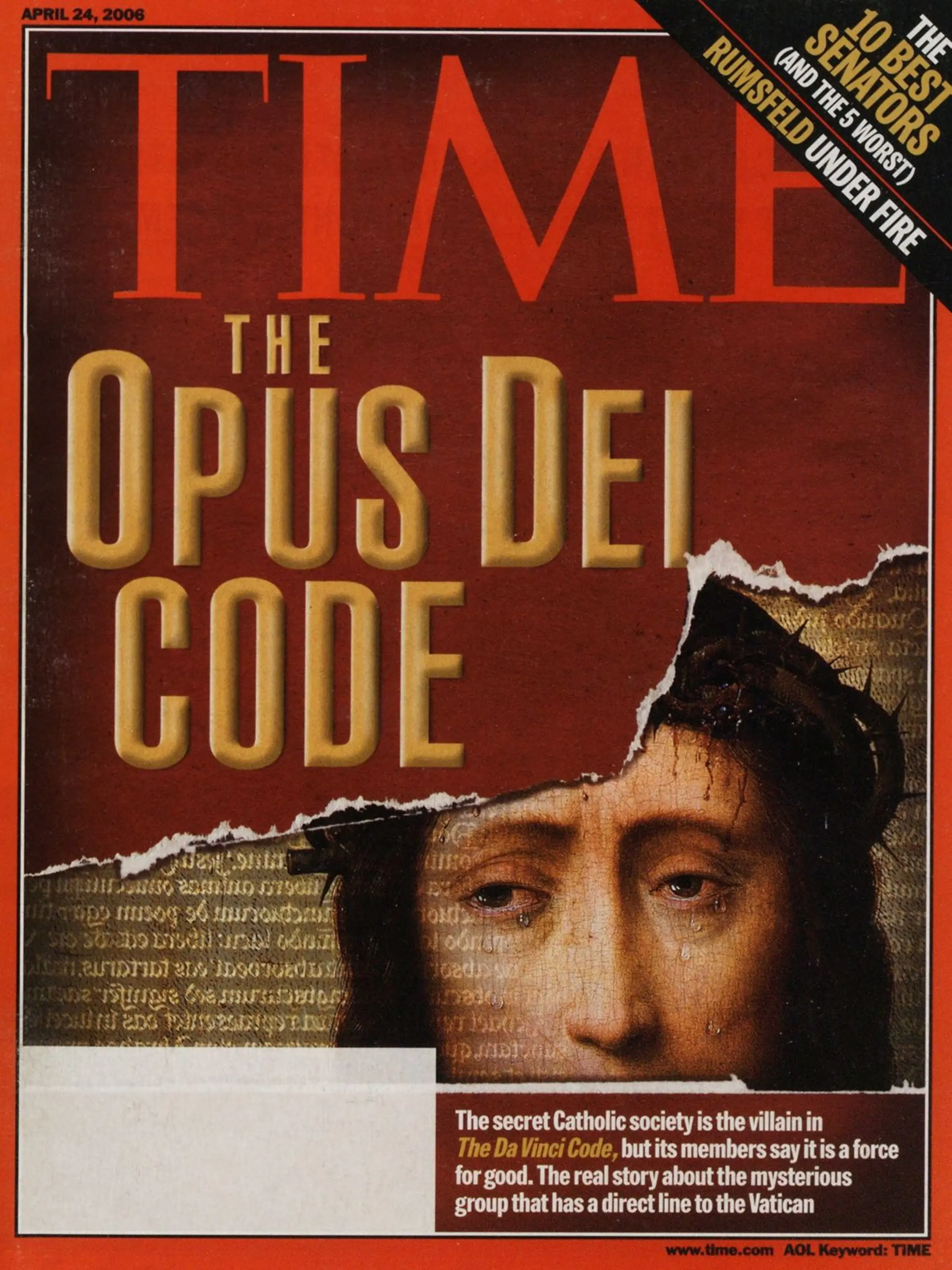
that’s quite nice. I had a calligraphy piece that was used on the front cover of Time magazine,
so that was quite nice. I don’t often get phone calls from the art director of Time magazine,
so that was a surprise.
Front cover of
Time Magazine,
featuring calligraphy by Liam Quin
Americo: I have a question. Do you have any advice for users, artists, photographers who think
about or consider using GIMP? Do you have any advice on how we should approach it?
Liam: I suppose it depends on what you’re trying to achieve and your personality. So if
your personality is that you just like to go and do things quickly, as I said earlier. If you
want the MyPaint style where you just go and do, but you want more richness, which GIMP gives you.
For example, you might make a set of images which are blank or mostly blank, and basically use them
like templates. You just double-click on an image and GIMP comes up with that blank image, and then
you start. Which is much easier than doing File → New and
using a GIMP template. Then you can just
start painting.
I mean you could ask people who paint. We have people like Americo here, who is doing fabulous
stuff with making his own brushes from patterns in the clipboard and with paint dynamics, and
really spending a lot of thought into exploring the tool and what it can do.
And you have other people who say, “All I want is something like a charcoal stick with undo”.
Or you have people who want things more like an engineering drawing. I occasionally do text-based
art with GIMP. I’m more likely to use Inkscape because it has slightly better typography. And
these days I’m more likely to use a web browser and CSS, because I can get the OpenType features
which I can’t in GIMP or Inkscape. If you’re a typographer, being able to use the font properly
is important to you. GIMP is very, very limited at this time, it really is. But it has it, and
it’s the only thing you can go back and edit afterwards. So from that point of view… [laughing]
I think the biggest two problems I hear with people using GIMP, one of them is they haven’t found
Single Window Mode. If you’re not someone who grew up with the X Window System and applications
having 25 windows, you might find it really cluttered and difficult to manage. So then you get switched
to Single Window Mode, which I use. Even though I used the X Window System as early as 1988 I think.
Simon: It’s the default now, at least for 2.9.
Liam: I’m glad it’s the default. It’s not perfect, it was never finished, but it’s more approachable.
The other default that people often have to change is the
tile cache size. If you’re working with
print images especially, then you need to change the tile cache size to be three-quarters of your
physical memory or maybe more, depending on what else you’ve got running. You want as much in memory
as possible without crashing your system, and it can be a hard trade-off.
Americo: Something I often discover is that people try to “get” GIMP by trial and error, and I’m notsure if this is the right approach to software as complex as GIMP. I’ve tried this with Paint Shop Proand also Photoshop, and I didn’t get far either. I always have to turn to the manual.
Liam: I believe it’s deliberate that you can’t in Photoshop. Paint Shop Pro I don’t know about,
it’s been years since I used it. But I suspected – don’t know this for sure – I suspect that in
Photoshop, what they’re trying to do – you use to get this from the Debian community as well –
the idea is to make something hard enough, it’s a trial by fire. You make something hard enough,
that people have to put real emotional effort into learning it. And then they’ll stick with it
through thick and thin. Because they’ve put so much emotional effort into learning something so hard.
Photoshop and Illustrator have an interface where there’s hidden buttons in the toolbox. You
hold down the mouse pointer over one of the little squares in the toolbox and eventually a
hidden secret drawer opens and more tools appear. There’s no way you would discover something
like that, right, it’s not discoverable. The way that you find it is the manual or a tutorial.
[Editor’s note: In GIMP 2.10, we ended up adding an option for these “hidden buttons”, known as tool groups]
So for GIMP, probably the best of the books I’ve seen for learning GIMP is called
“The Artist’s Guide to GIMP”,
and I love that guy’s tutorials. He says things like, “To start with, press D on the
keyboard to get the black and white default colors. Now press X to exchange them.
Now you’re drawing with white.”. And telling you things like that, mean that the tutorial will
work regardless of your previous settings. He’s teaching you a way of using GIMP where you
don’t mess yourself up, and if you don’t mess yourself up, you have much more confidence to explore.
Cover of ‘The Artist’s Guide to GIMP’, by Michael Hammel
So I really love his tutorials. He explains, he says how you can do things by clicking, or by
using the keystroke or by using the menu. It’s really, really well done. So that’s what I have
suggested to people who want to learn GIMP, is that particular book. But other people prefer
video tutorials. I don’t have patience for video tutorials – just tell me! But a lot of other
people like them.
Aryeom: If I want to make a tutorial, is there any advice on the best way?
Liam: I’ve done some tutorials that people didn’t like, and some that they really did like.
And the tutorials that people really did like are the ones where you’re teaching, and at the
same time you’re not assuming. So you don’t assume that people know jargon, you don’t assume
that people know special names. If you start off in a tutorial saying “The first thing you’ve
got to do is add an alpha channel to your image, and then divide the hypotenuse by the cosine
of the vertex”, you’ve lost three-quarters of your audience.
If instead you say, “We need our layer to be transparent so that we can see things in the
lower layers through it, and to do this, we have to use a menu item called Add Alpha Channel”,
then what you’ve done is you’ve taught someone what alpha channel means and why they want to use
it. So instead of just saying “Do this, do this, do this”, if you teach people a little while,
you’re also writing a tutorial that’s more robust. Because it might be that in a future version
of GIMP, the menu moves. So you can build in notes. You can do things like say, “If you can’t
find this, you can use the slash key to search for things in the new release. This is how you do
that”. And then you might make a tutorial that’s robust and that people follow. Because people get
really upset if they find a tutorial for GIMP version 1.2 and they try to follow it and it doesn’t
work. So then they find a tutorial for some other image editor and they try to follow that and it
doesn’t work, obviously. And they get angry and swear at us, and maybe they come to IRC and say
your program is full of worms and your mother was a raspberry tart! And we say, “Why are you saying this?”
and they say this tutorial doesn’t work!
You can’t write something that’s going to be proof against future completely, but you can write
something that’s going to be a little bit robust, and that teaches people and keeps the sense of
delight and fun. And if you do that, people will enjoy using your tutorial and learn from it,
and you’ll have fun.
Aryeom: Thank you for the advice!
Liam: I’m hoping to do some tutorials this year for scanning images, working on scanning
images from books, old books, published, printed books.
Jehan: That’s good – for gimp.org?
Liam: Yeah, I hope so. One of the things I’m really hoping for is the
XSane project makes a version of their
GIMP plug-in that works with the new release, with 2.9, to do high bit depth images. Right now it’s
restricted to 8 bits per channel. My scanner can do 16 bits per channel, RGB, it’s A4 or Tabloid size.
But in fact XSane crashes if I try to do that.
Jehan: So you scan with another software?
Liam: I scan with XSane, but I have to save it to a file and then I have to open the file in GIMP.
And that’s actually a pain for me, because the point at which I choose the file name, the book is still
on the scanner, and my file names are usually the page number in the book and the caption as the file name.
But if the book is on the scanner then I can’t see what page number it’s on, so I have to remember beforehand
to write down the page name, so it’s a pain. So if I’m scanning six images or something at once with the
plug-in, it arrives one after the other in GIMP. And a fabulous GIMP feature, not in any of the other
software I’ve used, is that I can be scanning one image with a progress bar going along, cleaning up
another one, and saving a third one, all at the same time. And that’s three times the throughput that I
get with other software.
Happy New Year
from Moderne Kunst in Meister-Holzschnitten Band XIII (1897), scanned and restored by Liam Quin
I’ve been to places where they’re scanning books professionally, and they have three, four, five computers
in a row, with multiple scanners. So you start scanning on one, then you move to the next one, start
scanning on that, go back to the first one, start cleaning it up, go to the next one, start that one
scanning, go this one, start saving the image – because that other proprietary software could only do
one of those things at a time. That’s still true today.
So by using the plug-in I get much more throughput, so I can have the scanner going – and it can take
up to 20 minutes to scan an image, and it can take up to 5 or 10 minutes to save an image. For GIMP to
export an image to PNG for example, can take 5 or 10 minutes if it’s a several gigabyte image going to
a hard drive. So, it’s really nice to be able to work effectively with multiple threads. I like that.
So I should write some tutorials because GIMP really is better than anything else I’ve used.
Aryeom: I will translate it to Korean because I’ve seen someone on a Korean website asking how toscan in GIMP like this.
Liam: Okay! Maybe they’ve already written a better tutorial than I will, we’ll see. I’ve been doing it
for more than ten years. 1999, I think, I started my website,
fromoldbooks.org. So it’s going to be coming
up to 20 years old before too long. Some of the books are 500 years old.
Jehan: And you’ve been using GIMP since the beginning?
Liam: I used GIMP early on. I had a period when I was writing a book and the publisher required me to
use Microsoft Office, so I was on Windows. For a lot of that time I was using other software. I actually
end up using Paint Shop Pro because it had something like, what GIMP calls a corrective or reverse transformation.
Jehan: And GIMP did not have it?
Liam: GIMP had it, but GIMP wasn’t doing well on Windows at the time. And the other software I had,
Photoshop, did not have anything like a corrective mode that was as useful. GIMP’s corrective mode is
actually better because it’s a grid and not just a line. The Photoshop one, as I recall, you draw a line
on something that should be horizontal or vertical. But in most scanned images I’ve got, they’re
hand-made engravings, there isn’t going to be a definite horizontal or vertical, because it’s an
artist’s sketch. So I have to choose what looks best. I start out by getting the grid roughly right,
clicking rotate and seeing what happens. Flatten the image to get rid of the corner artifacts and
seeing what it looks like. And if it looks okay – with experience you can most of the time do it
first time.
One of my few patches to GIMP in fact, was to change the undo history to say what the angle was.
This way, I can do an undo, even half an hour later, I can see what the angle was and I can say,
“Well, that was just a bit too much, I’ll try reducing it just a bit and try again”, and usually
second go I get it right. And that’s an example of it being an open source free/libre software.
I was able to contribute a patch, which Mitch kindly rejected, and I was able to redo it, and
get it in the right format. And he incorporated it – and then I think he wrote it even more.
Looking at the code yesterday I discovered – it’s a year or two since I did the patch – I looked
at the patch and discovered it’d been rewritten even more, which is good. But that simple patch
has saved me, cumulatively, hours and hours of work, just knowing that information. Because I
might do two or three rotations in a sequence, then go back and undo them and do a single
rotation, because you degrade the image slightly when you rotate it. And if it takes 10, 15
minutes to do a rotate of a large image, then saving two or three attempts at rotation everyday
has saved me a lot of time, you know.
Screenshot of Undo History with Rotation Angles shown, from Liam’s patch
So that’s all part of why GIMP is so fabulous. That, and being able to come onto the IRC
channel and say a particular thing is really slow. The first time I did that, it was Sven
at the time years ago, he couldn’t believe it was taking me 20, 25 minutes to rotate an image.
He looked at the code, and he had me do some profiling, and then he said “Oh”, and made a one
line fix. And it went down from 20 minutes to 2 minutes the next time I recompiled GIMP, ten
minutes later. Same day! A fix on the same day. In the libre graphics world, in the free software
world, that’s not unusual. In the “I’ll make a support ticket with my vendor” world, it’s not
unheard of but it’s pretty rare. So that’s been a real plus.
Sometimes the developers will say “No, we can’t make that faster because…”, or “We won’t,
because we’re going to replace it”. But there’s been a few occasions when GIMP has been
faster because I’ve gone into the IRC channel and said I profiled this, or here’s a patch,
or can someone fix that. So it’s been fabulous.
Jehan: I think we’ve asked most questions. Is there anything you’d like to say that we didn’t ask you?
Liam: Yeah. The biggest thing I think we have to do, is get a message out to the world
that GIMP is perfectly suitable for professional use. It’s aimed at professional use, and
people are using it professionally, successfully. It’s not a second choice, it’s a first
choice. It’s not because I can’t afford this other program, or because my principles say
I don’t eat meat, or I don’t use programs beginning with P. It’s a first choice – it’s
actually better for what I’m doing then any other program I’ve used, and I’ve used a lot.
So we need to get that message out a lot more, and we need to have more confidence in
talking about GIMP. We’re close to it, we see all the problems, we have visions that
we know are not happening, and yet, we forget sometimes that we’ve got something really
really good there. And we need not be ashamed to say that.
Aryeom: Why do you think people are sometimes ashamed or don’t have confidence to use GIMP?
Liam: I knew a chemist once who worked in a jam factory, where they made marmalade and jam.
And he saw what the jam did to the steel containers where they mixed it. And they had huge steel
vats like the size of a small building, like a big mixing bowl. And the jam is highly acidic,
and it would eat the steel. And he said he would never eat jam again, after seeing how jam was
made. But you know, if you make jam at home it’s no better. It’s no better than any other food,
or worse – alright, it may have too much sugar in it. Or it’s like the sausage maker who knows
what goes in the sausage.
We’re aware of all the problems, and we’re aware that we have visions of how GIMP could be in
some other universe, and it isn’t. But that’s okay, it’s what it is. The fact we can say, the
text tool could be improved so that after you scale the image, text is still text for example.
We can look at that and say “Yeah, that’d be fairly easy to fix but we’re busy”. But we still
have a better text tool than a lot of other programs, you know, even without making any other
changes. We’re too busy to go look at other programs – and perhaps worried too about intellectual
property, about using someone else’s design. But the truth is, GIMP is better than, in many ways –
not perfect, not saying that – but it’s better in many ways than we realize.
This week's icon is for
Mark Wyner's project:
Ratio:
"Validate color contrasts"
Check out all weekly app icons created so far in the gallery
and follow my icon creation adventures as they happen (including sketches) on
the Fediverse.
Need icons?
I love designing icons and am happy to contribute them
free of charge
when your project is Free and Open Source.
Join as a community sponsor to maintain
a steady supply of app icons to the Linux ecosystem
(every little helps!).
After connecting some dots, it came to our notice that some conduct reports written through the conduct.gnome.org form might have been silently lost. If you have sent a report between Jan 5th 2026 and Sep 28th 2026 and got no response for it, we invite you to send it again, either through the form or conduct@gnome.org.
How
In Jan 5th, GNOME sysadmins introduced a filter to the CoC report form to prevent attempts of SQL injection. The filter was however overeager, filtering out messages containing certain natural English words that matched a subset of the SQL syntax. We do not know the full impact of this filter yet. After the issue came to our notice the GNOME sysadmins quickly fixed it on Sept 28th.
We appreciate GNOME sysadmins’ diligence and the speedy fix.
Contact us
If you’ve sent a message in this time period through the conduct.gnome.org form and are missing a response from the CoCC, we invite you to send the report again. It sounds likely that it was filtered down and missed by the CoCC.
I'm happy to announce the availability of a COPR repository which rebuilds Fedora 45 kernels with the patches from the qcom-laptops git branch added. This is a branch where various upstream pending patches with Snapdragon laptop improvements are gathered. For the exact contents of the latest kernel from this COPR see this Fedora kernel git-repo fork.
Installing the kernel from this COPR adds camera support for various X1 laptop models, adds bluetooth support for the ThinkPad T14s as well various other improvements. Most of these are expected to land in the 7.4 kernel.
After the initial work to make Fedora live iso media boot OOTB on Snapdragon X1 laptops in Fedora 44, I've continued working on improving the Fedora experience on these laptops for Fedora 45. For Fedora 44 a long list of workarounds was necessary, see the Snapdragon laptop install instructions on the wiki.
For Fedora 45 various improvements have been made in the mainline kernel and I've been working on improvements at the initramfs generator / distro level. Together these result in a much smoother experience, see the install instructions for Fedora 45 on the wiki. A few workarounds are unfortunately still necessary for Fedora 45. For Fedora 46 I hope that the Fedora aarch64 live iso media will just work on X1 laptops.
Note that this blog post is about Snapdragon X1 (Elite,Plus) laptops. Support for Snapdragon X2 laptops at the same level as the current X1 laptop support is quickly coming together in the mainline kernel. But the 7.2 kernel used for the Fedora 45 beta and release isos is still missing some bits and Devicetrees, so Fedora 45 will not work OOTB on Snapdragon X2 laptops.